Lisa OS — a computer that shows its work.
Lisa OS is a free, open-source Linux distribution you install on your own computer. It runs AI models locally, and it includes Lisa Mail — a desktop mail client that downloads your mail onto your own disk so you can read, search and organise it, including offline. Connect a Google account and your mail travels from Google to your machine directly; we operate no server in between.
Boots on real hardware today GPL-2.0, source in the open No account, no telemetry
An operating system with a mail client that keeps your mail on your machine.
Lisa OS is a free, open-source Linux distribution you install on your own computer. It includes Lisa Mail, a desktop mail client.
Why it asks for access to your mail
If you connect a Google account, Lisa Mail downloads your messages onto your own disk so you can read, search and organise them — including offline. That is the entire purpose of the request. It is the same thing Thunderbird or Apple Mail does, over the same IMAP protocol.
Where your mail goes
From Google to your computer, directly. We operate no server that receives it, stores it or reads it — there is nothing in between. Access tokens live in your machine's keyring; your mail lives in a folder you own and can delete.
Exactly what it asks Google for, and why
Lisa OS requests only what the mail client needs to work, and names each one here because "explain with transparency the purpose for which your app requests user data" deserves a list rather than a paragraph:
https://mail.google.com/— read and organise your mail over IMAP, which is what lets Lisa Mail download it to your disk, mark it read, and file it. It is the scope Gmail requires for IMAP; there is no narrower one that works..../auth/calendarand.../auth/carddav— only if you switch Calendar or Contacts on for the account..../auth/userinfo.email— to show you which account is connected.
Requested when you connect an account, never before. Revoke them at any time from your Google Account, or by removing the account in Settings.
What we never do with it
No advertising, no selling, no human reading it, no training any model on it. Our use of Google user data follows the Google API Services User Data Policy, including the Limited Use requirements — set out in full in our privacy policy.
| 09:41:22 | inference.generate | qwen3-0.6b | on this machine | 420 tok |
| 09:41:22 | context.search | ~/notes | on this machine | 3 hits |
| 09:44:07 | remote.generate | claude ↗ | LEAVES · consented | 1,240 tok |
| 09:44:09 | remote.complete | claude | ok | — |
| 09:52:10 | inference.embed | qwen3-0.6b | on this machine | 1,024-dim |
This is real: the Ledger gates every model call before it runs. No entry, no action.
Private because of how it's built — not because of a promise.
The warmth of a personal assistant that sees, hears, and helps, living on your hardware instead of someone else's data center.
Local by mechanism
Models run on your machine. The daemons that read your context have no network access at all — privacy enforced by the system, not by policy. Turning it off isn't a setting; there's nothing to turn off.
Private by default
Nothing offloads to a cloud provider unless you switch it on, per scope. When something would leave your hardware it's marked in a distinct amber, in the interface and in the record — you always know.
Yours, on the record
Every model call, every piece of context read, every action taken lands in an append-only Ledger you can read in plain English. No black box, no telemetry you can't see.
The guardrails are code the model can't reach.
Most agentic systems keep their safety in the prompt — the model is asked nicely not to do the dangerous thing. Lisa's limits live outside the model, in deterministic code, where no amount of clever text can argue with them.
Tiered by blast radius
Reading is silent. Writing shows a chip. Anything destructive stops for a modal you have to answer. The tier is decided by the system before the call is dispatched — not by the model, and not by the app that asked.
Untrusted content can't pull the trigger
A web page or an email telling the assistant to delete your files is describing an action it has no authority to cause. Content from untrusted sources is tagged where it enters and can never escalate itself into a privileged call.
One door out
Cloud models are welcome — through a single audited broker that holds the keys, marks the egress and writes the entry. The daemons that read your context have no network at all, so there is no second path to close.
Two tests we hold ourselves to: the boundary must not be reachable from inside — and it sits between the model and your machine, never between you and your own machine.
Your apps aren't just windows — they're capabilities.
Each app declares what it can do as tools an agent may call, and carries its own durable context: your mail app remembers your mail, and only your mail. That is what turns "find the invoice from that supplier and reply that we've paid" from a demo script into the system wiring three apps together — every step tiered, every step on the record.
Talk to a local model — or your own cloud, on the record.
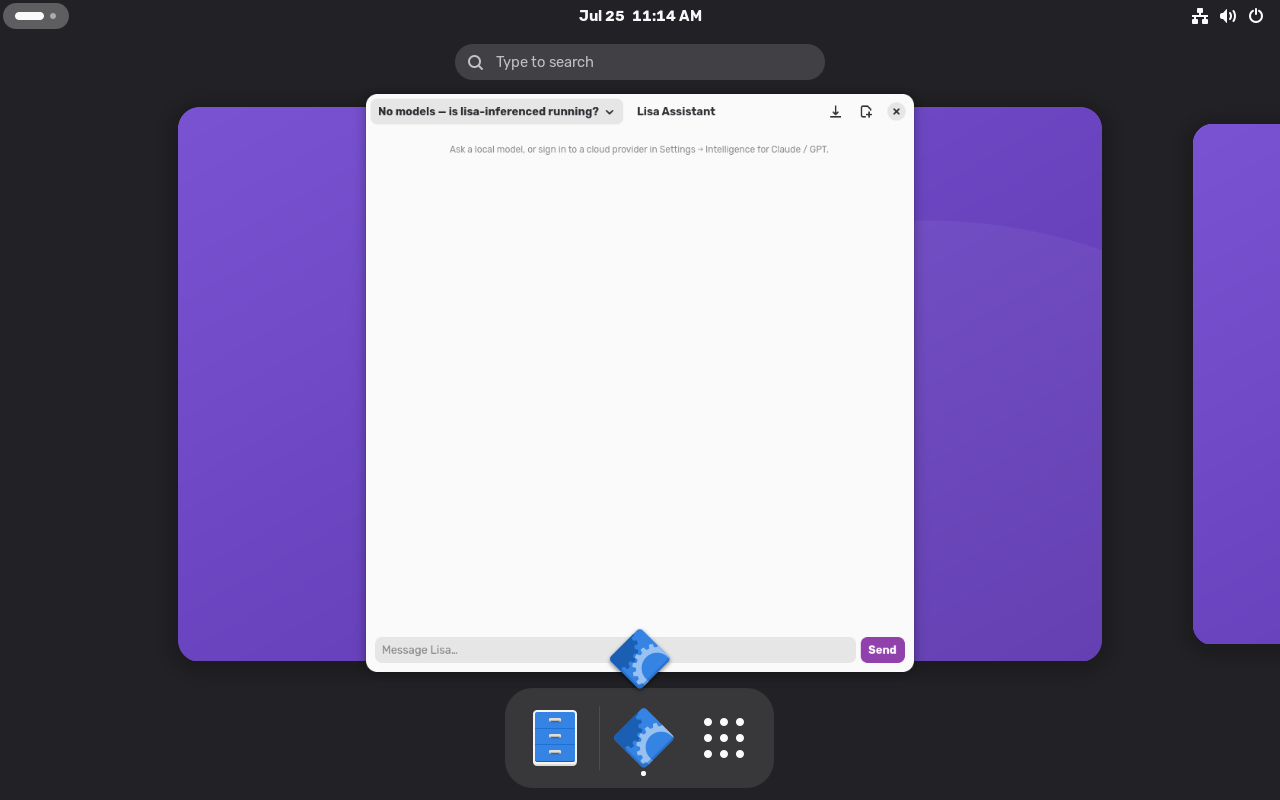
Press Super+C and chat with the model that runs on your machine, or sign in to a provider you already pay for. Replies stream in — and stop when you say stop — the history survives a restart, and any conversation exports to Markdown. The egress is always marked.
Photographed by the OS itself.
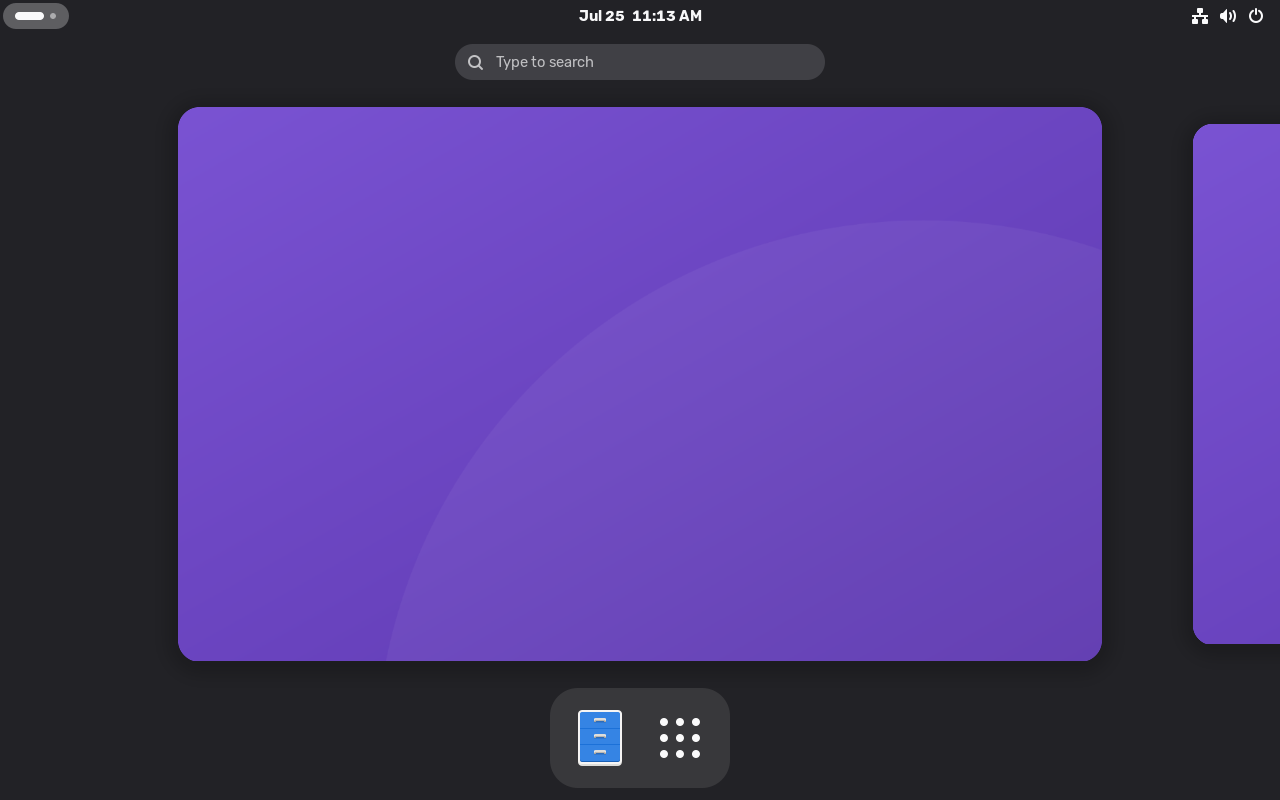
These aren't mockups: our CI boots the real image in a VM and screenshots it — every release photographs itself, so what you see here can never drift from what ships.
What works today.
We build in the open and we're honest about the state. Real, on real hardware, now — and the right-hand column is a roadmap, not a claim.
Working now
- A chat assistant on Super+C — local and cloud models, streaming, history that survives restarts, Markdown export
- Terminal help that never acts alone:
lisa explainreads your last failure;lisa suggestdrafts a command you review before running - App updates in minutes — no reboot, atomic rollback
- Cloud replies stream token-by-token through the audited egress broker — signed in by you, off by default
- Per-app memory and scoped context search, every read on the record
- Local inference + guided generation as a system service, gated by the append-only Ledger
- Bootable, self-updating immutable OS — A/B slots, auto-rollback
On the way
- Always-on ambient assistant
- Apps you can generate and install locally
- Voice + wake-word loop, fully on device
- Apple Silicon images — the stack already runs on ARM64 (container-verified)
- The assistant as an API — so every script and service on the machine can ask, not just the window
- Lisa Server: the same core, headless — governed inference for the things it hosts
Flash it, boot it, read the record.
Try the alpha on real hardware. It's free and open source — your machine, your models, your record.